Troubleshooting Online Connection & Matchmaking Issues in Clean Backgammon

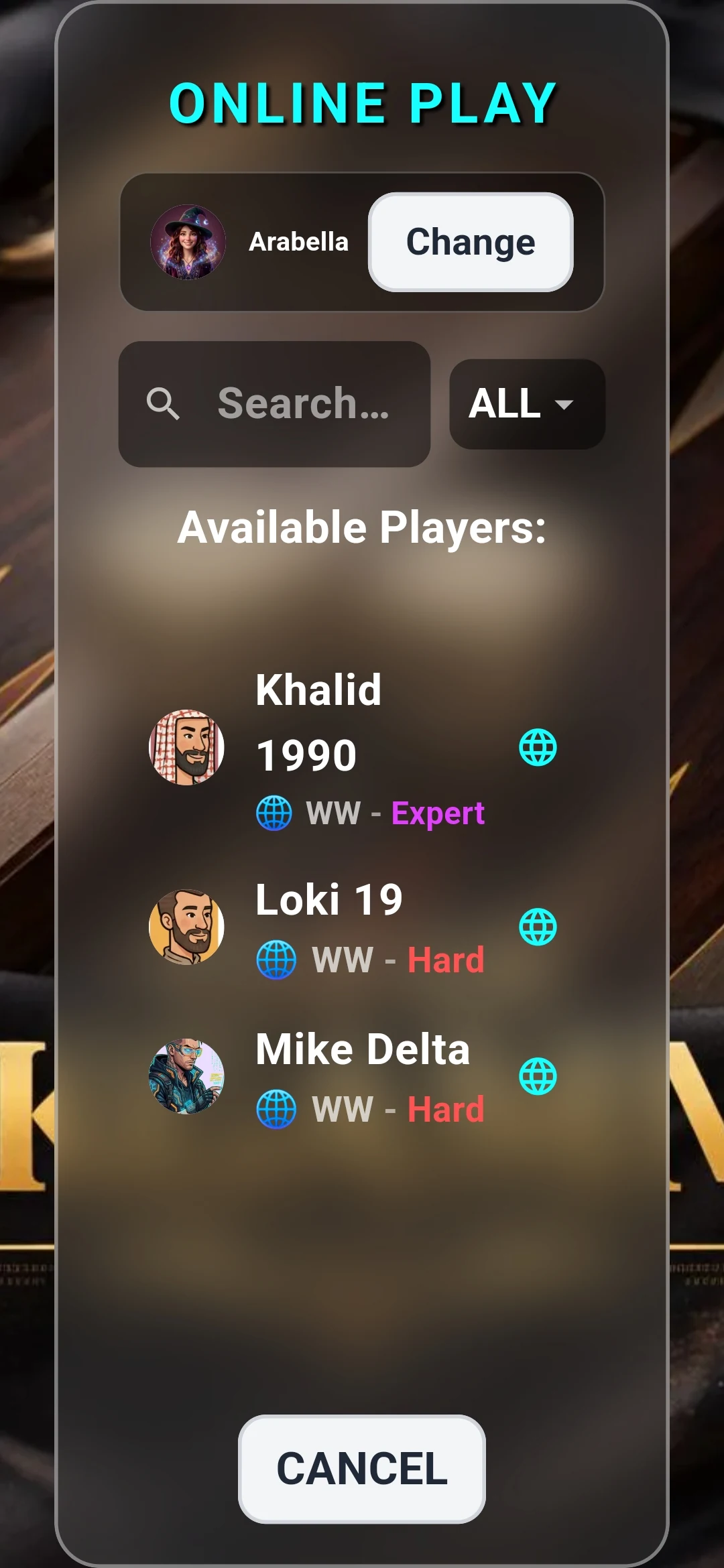
- Clean Backgammon features automatic WebSocket reconnection to preserve active game state.
- Ensure in-app competitive profile consent is active under Settings -> Privacy.
- Aggressive VPNs or strict corporate firewalls may block real-time WebSocket ports.
- Access the in-app Help section or email [email protected] for dedicated assistance.
Diagnosing Matchmaking Delays & Timeouts
If your matchmaking search extends beyond 25 seconds without connecting, the cause is usually related to network latency or restrictive firewall settings. When matchmaking is searching, the screen displays a real-time pulse indicator while pinging our regional relay nodes.
If the server detects packet drop, it automatically pairs you with a calibrated bot opponent to guarantee continuous gameplay.
The Reconnection Grace Window
Mobile internet connections occasionally fluctuate when switching between Wi-Fi and 5G cellular towers. Clean Backgammon includes a built-in reconnection grace window.
If your connection briefly drops during a ranked match, the game pauses your timer and attempts automatic reconnection over secure WebSockets for up to 45 seconds, ensuring you do not lose a game due to a temporary Wi-Fi stutter.
In-App Help & Contacting Support
If you experience persistent networking anomalies, you can review the official in-app Help dialog by tapping the "?" icon on the main menu bar. It contains instant offline guides and support contacts.
For technical issues, contact our developer team directly at [email protected] with your player username and device model.