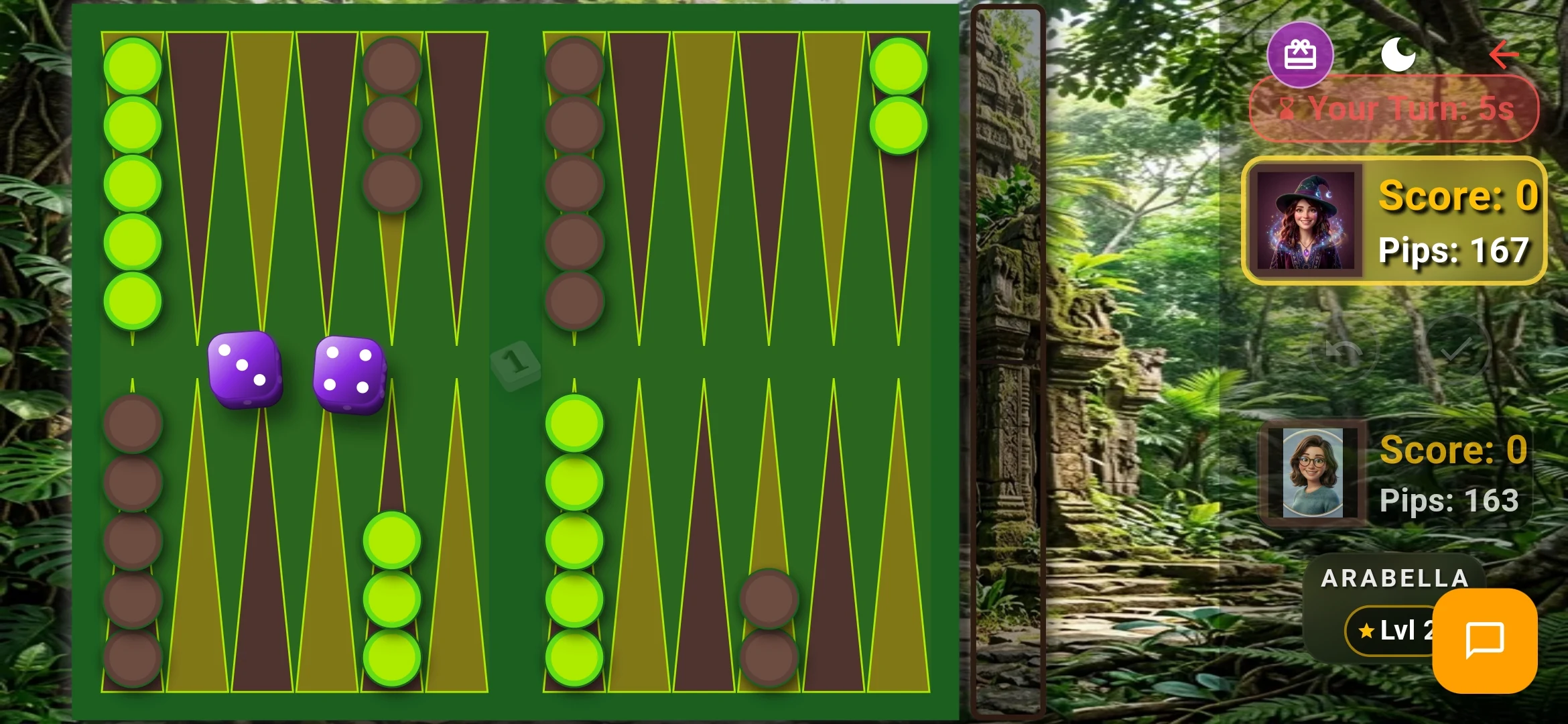
Getting Started with Clean Backgammon: Official Beginner’s Tutorial & Controls

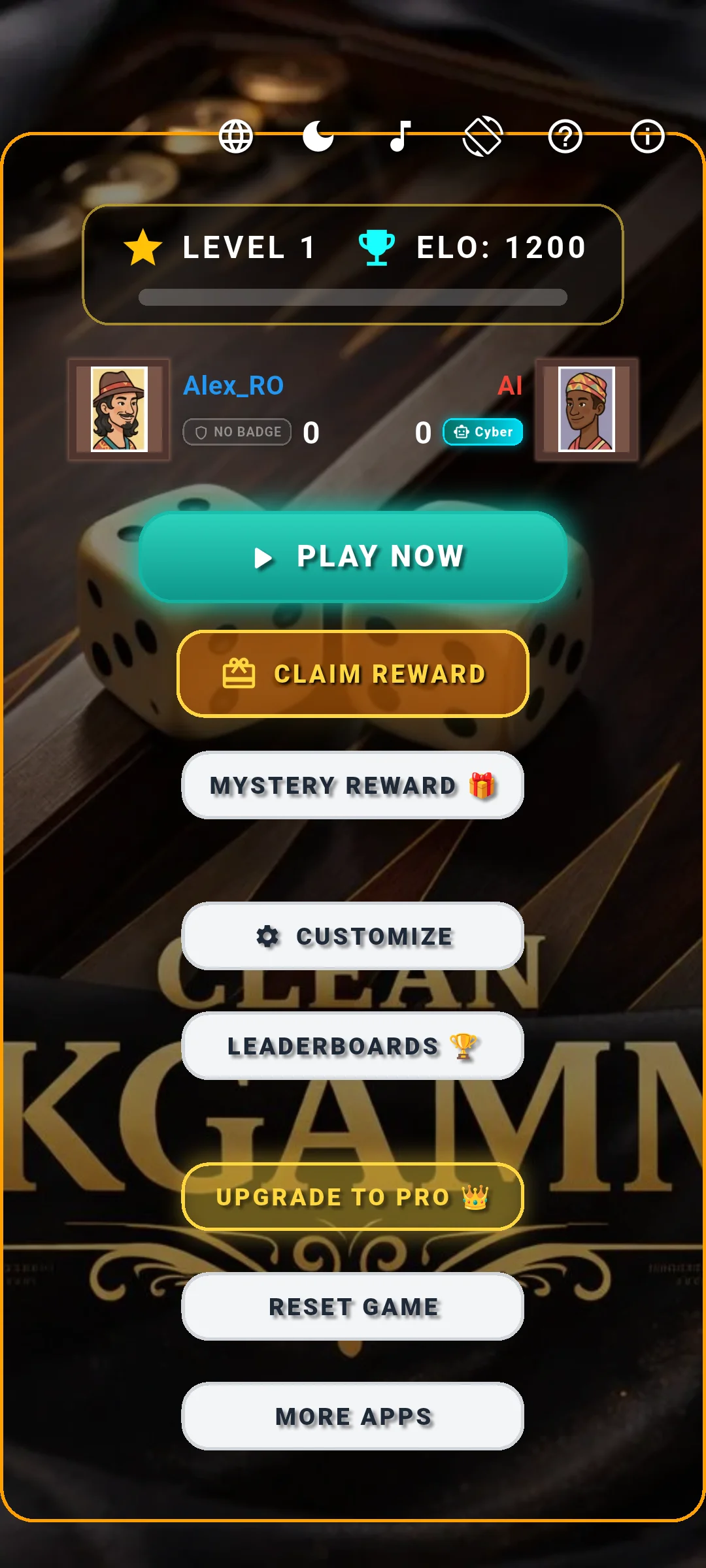
- New players start with default Player 1 identity, Level 1, and 1200 initial ELO.
- Tap any active checker to see pulsating green destination points for fast, error-free play.
- The real-time Pip counter automatically tallies the distance remaining for both players.
- Offline play against AI is 100% free and functional without an active internet connection.
Launching the Game & Main Menu Navigation
When you launch Clean Backgammon for the first time, you are welcomed directly into the refined main lobby. At the top of your screen, your player card displays your current nickname ("Player 1" by default), your progression Level (starting at Level 1), and your competitive ELO rating (baseline 1200 points).
The main menu provides instantaneous access to all game features without intrusive popups or paywalls. From here, you can select your desired game mode, customize your board themes and avatars, view global leaderboards, or claim your Daily Mystery Box reward.
Board Setup & Starting an Offline Match
Clean Backgammon follows official International Backgammon Federation (WBGF) setup rules. Each player commands 15 checkers positioned across the 24 triangular points: 2 checkers on point 24, 5 checkers on point 13, 3 checkers on point 8, and 5 checkers on point 6.
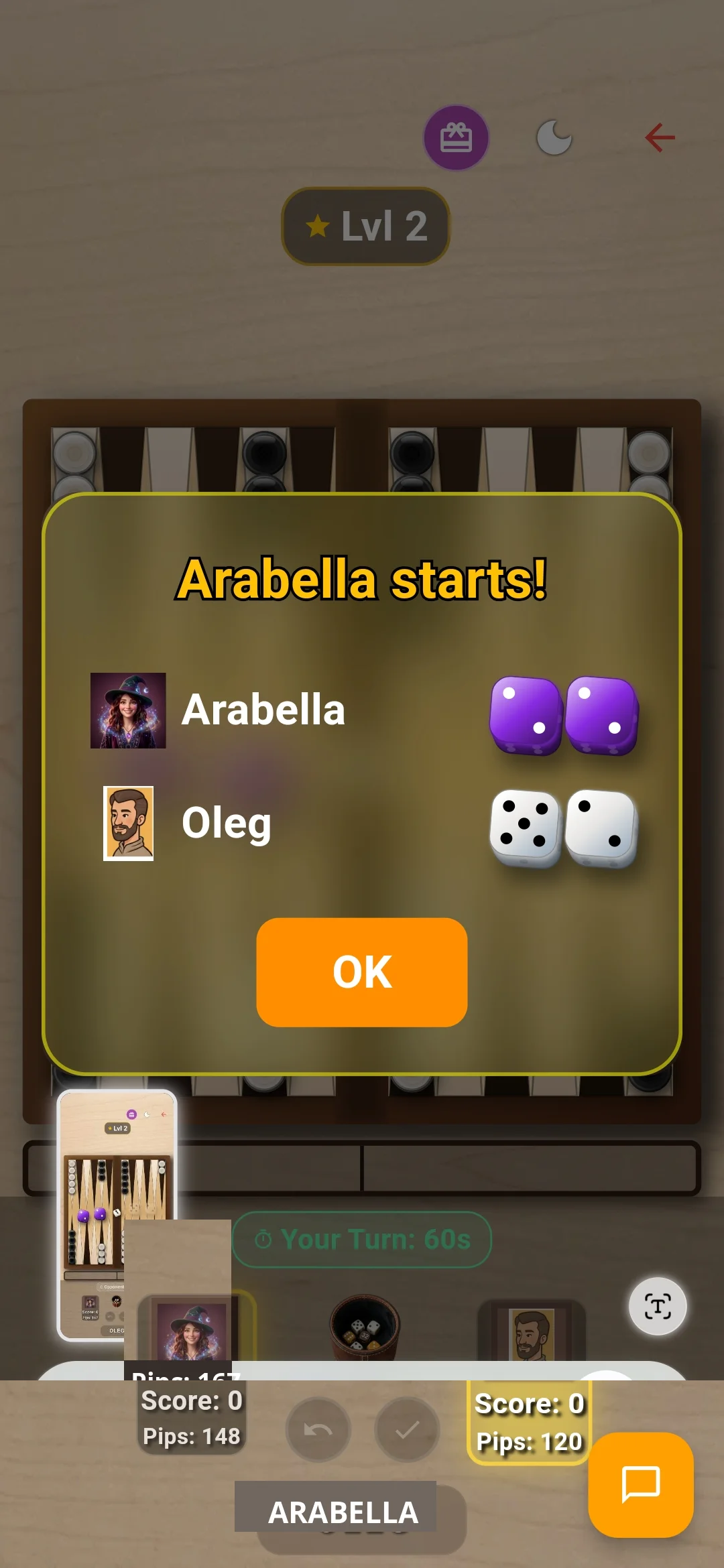
To start a practice match, tap "SELECT MODE" on the main menu and choose "Play Now (AI)". An opening roll dialog appears with the prompt "TAP TO ROLL". Each player rolls a single die; the player with the higher roll moves first using the numbers shown on both dice.
Intuitive Checker Controls & Real-Time Pip Counting
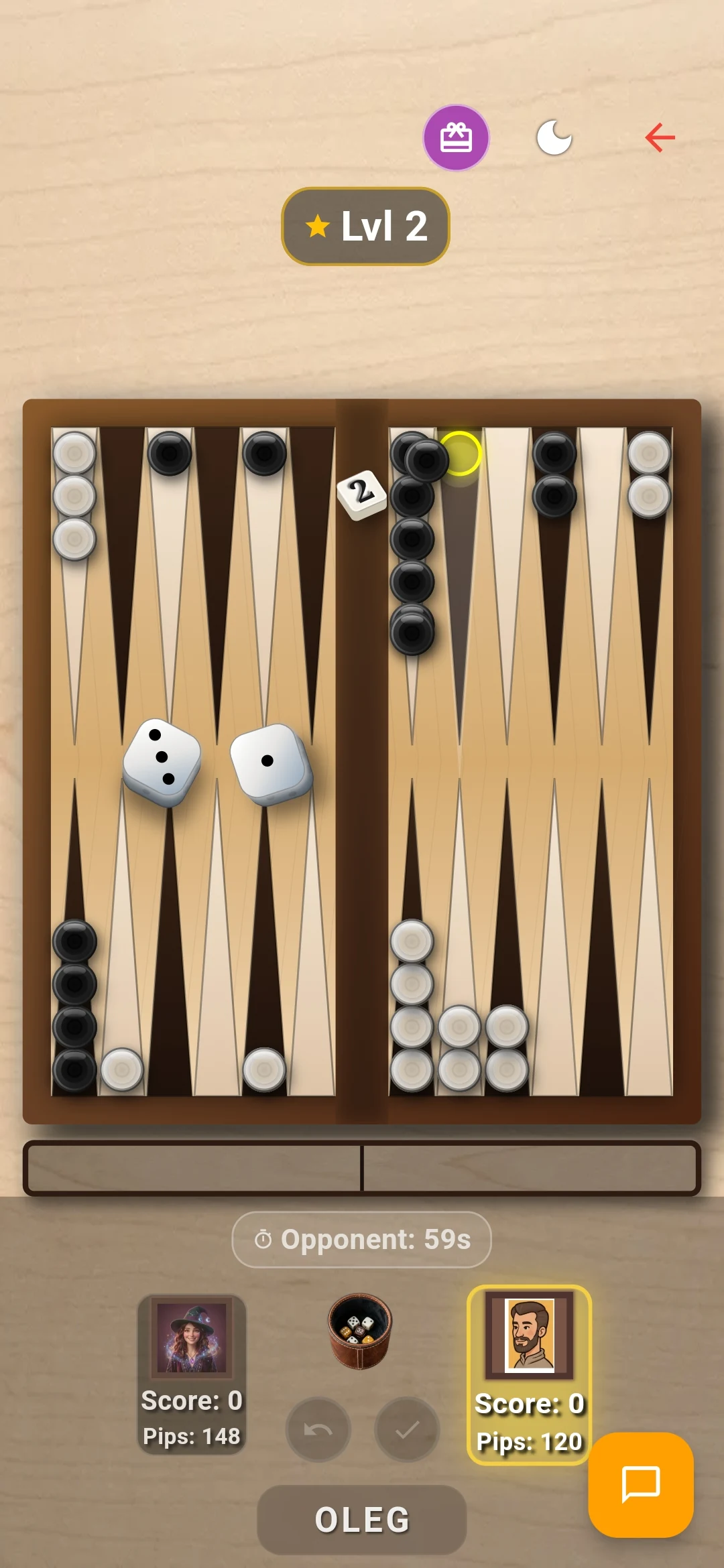
Moving checkers in Clean Backgammon is effortless and optimized for mobile touchscreens. When you tap a checker that has valid legal moves, green pulsating rings highlight all accessible destination triangles. You can either tap the destination triangle to execute the move instantly or drag the checker smoothly across the board.
At the bottom and top of the board, the Pip Counter dynamically updates after every single checker movement. The pip count represents the total number of points your remaining checkers must travel to be completely borne off. If your pip count is lower than your opponent’s, you are statistically ahead in the race!
Victory Screen & Immediate Rematches
The objective of Backgammon is to navigate all 15 checkers into your inner home quadrant (points 1 to 6) and bear them off the board before your opponent does. Once your final checker is removed, the Victory Screen appears celebrating your triumph with an animated golden trophy.
The victory summary details total points gained, ELO rating updates, and provides a single-tap "Rematch" button to immediately jump back into action against the same opponent.