How to Customize Your Username, Avatar & Player Profile
- Usernames must be 3 to 16 characters long and adhere to fair-play sportsmanship guidelines.
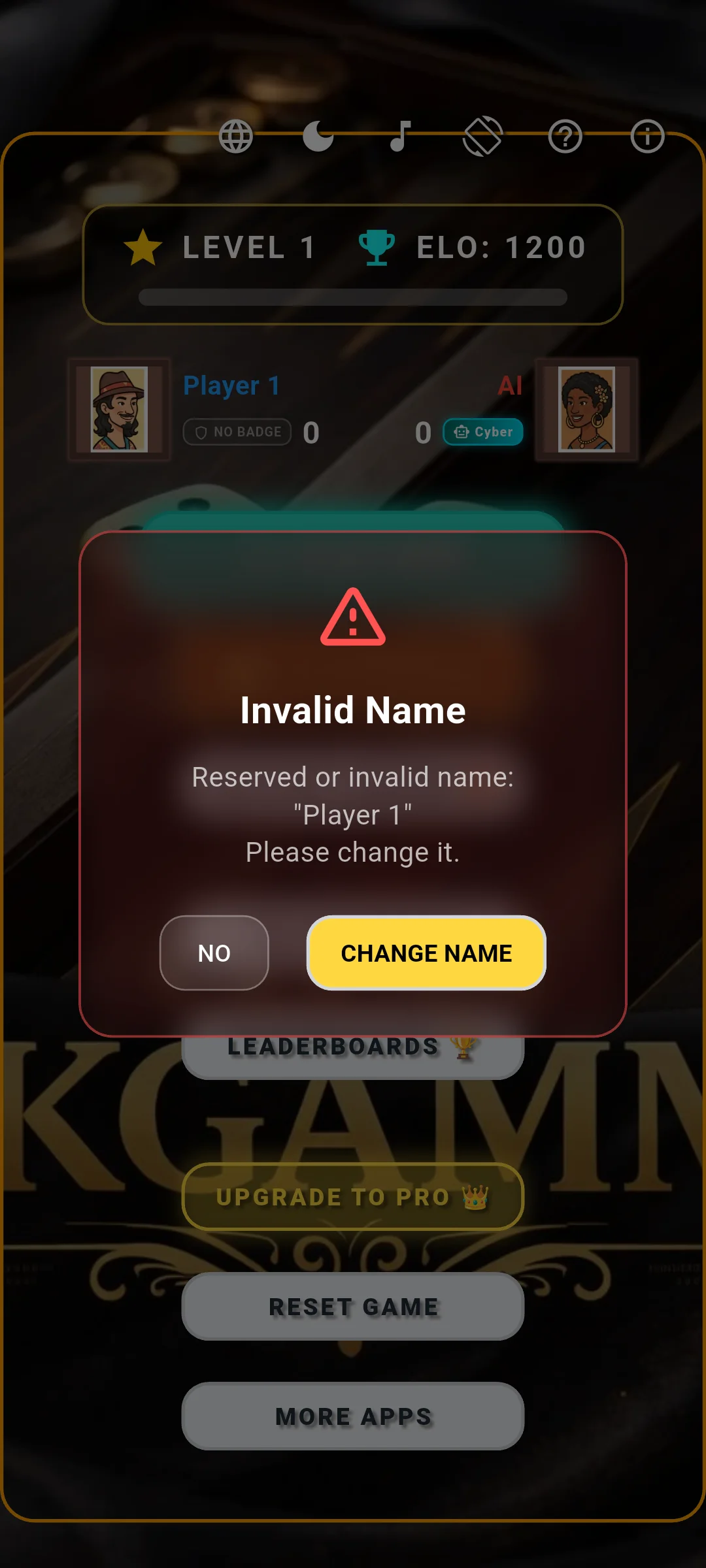
- The default name "Player 1" must be changed before entering online ranked multiplayer.
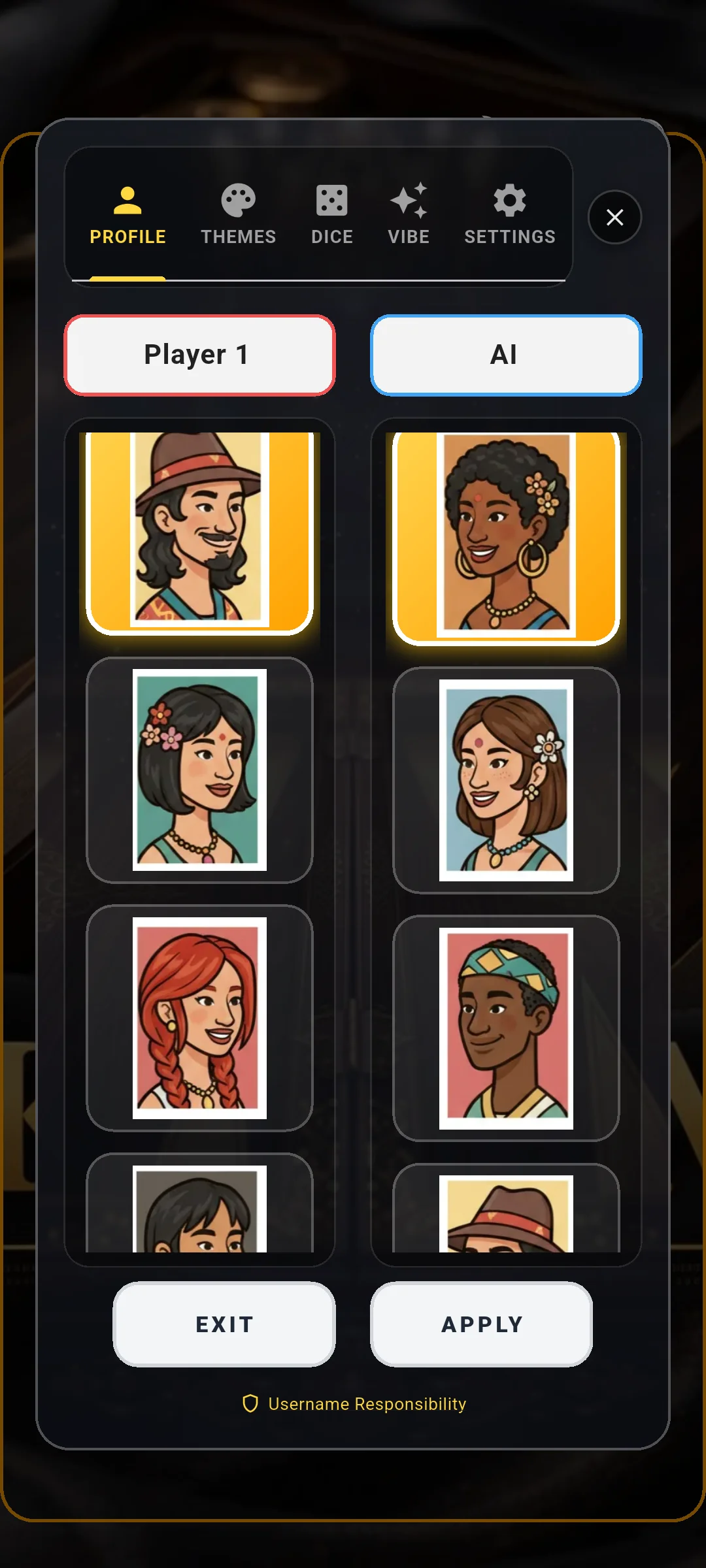
- Choose from 90 handcrafted avatar portraits with a gold ring indicating your equipped avatar.
- View comprehensive player stats including Total Points Exchanged, Points Won, and Points Lost.
Editing Your Competitive Nickname & Name Rules
Your username represents your personal brand in the international Clean Backgammon arena. To edit it, tap "CUSTOMIZE" on the main menu. The "PROFILE" tab opens by default, featuring a dedicated text field with your current nickname.
Usernames must be between 3 and 16 characters long. Special symbols and offensive terms are automatically filtered. You can update your nickname whenever you want without resetting your ELO or match records.
Why "Player 1" Is Restricted from Online Rankings
If you attempt to enter the online multiplayer matchmaking lobby while still using the default identity "Player 1", Clean Backgammon will present an alert modal advising you to create a unique custom name.
This restriction ensures that international leaderboards, Country Cup statistics, and opponent match histories remain clear, identifiable, and fair to all competitors.
Choosing from 90 Luxury Character Avatars
Clean Backgammon features an expansive catalog of 90 illustrated character avatars spanning aristocratic grandmasters, mythical tacticians, stoic champions, and animal mascots.
Simply scroll through the 4-column avatar grid and tap on your favorite portrait. An illuminated gold ring highlights your currently equipped avatar, which will immediately appear across online lobbies, in-game match headers, and global rankings.
Checking Your In-App Player Card & Statistics
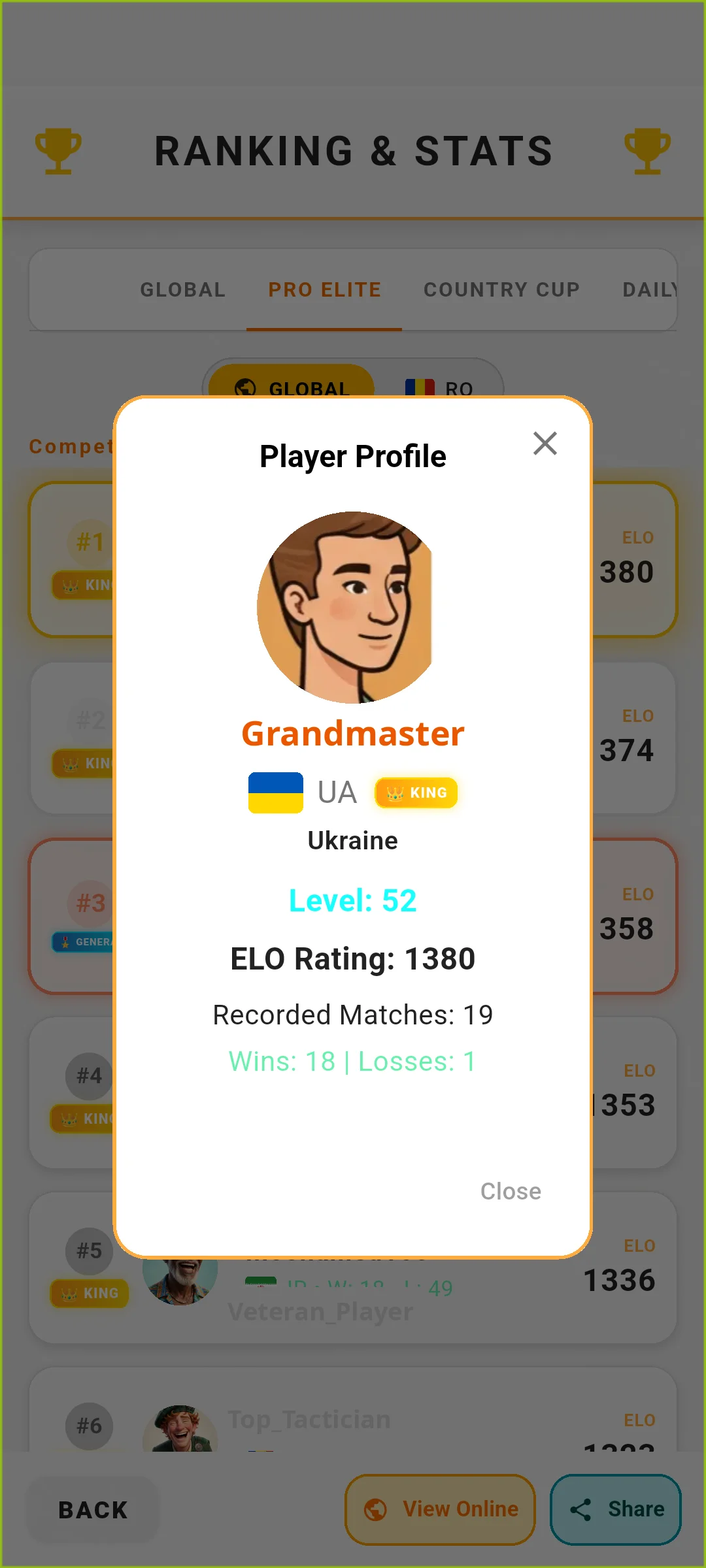
By tapping on your avatar or an opponent’s profile card, you can view the official Player Profile modal. This dialog showcases verified competitive metrics:
• Total Points Exchanged: The cumulative volume of stakes traded across all ranked matches.
• Points Won vs Points Lost: Detailed tally of match outcomes.
• Win Percentage: Mathematical win rate against human and AI competition.
• Country Flag: The national banner you represent in the Country Cup circuit.
Customizing 3D Dice Skins & Shaker Cups
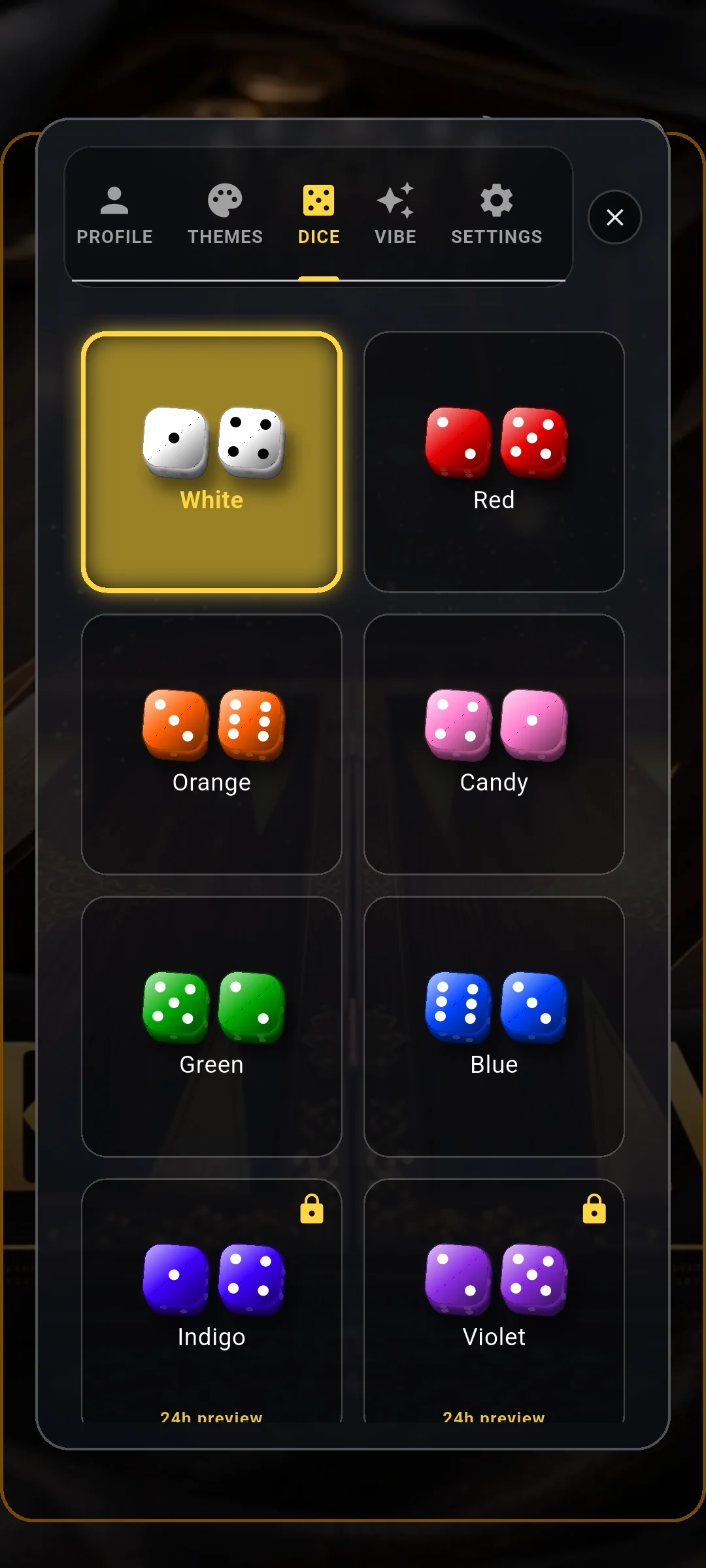
Head over to the "DICE" tab inside the Personalize hub to equip authentic 3D dice styles, including Polished Bone, Ruby Gem, Onyx Marble, and Gilded Gold. Each dice set features accurate physics and custom specular lighting reflections.