In-Game Exit Options, Resign & Rematch, and Fair-Play Rules

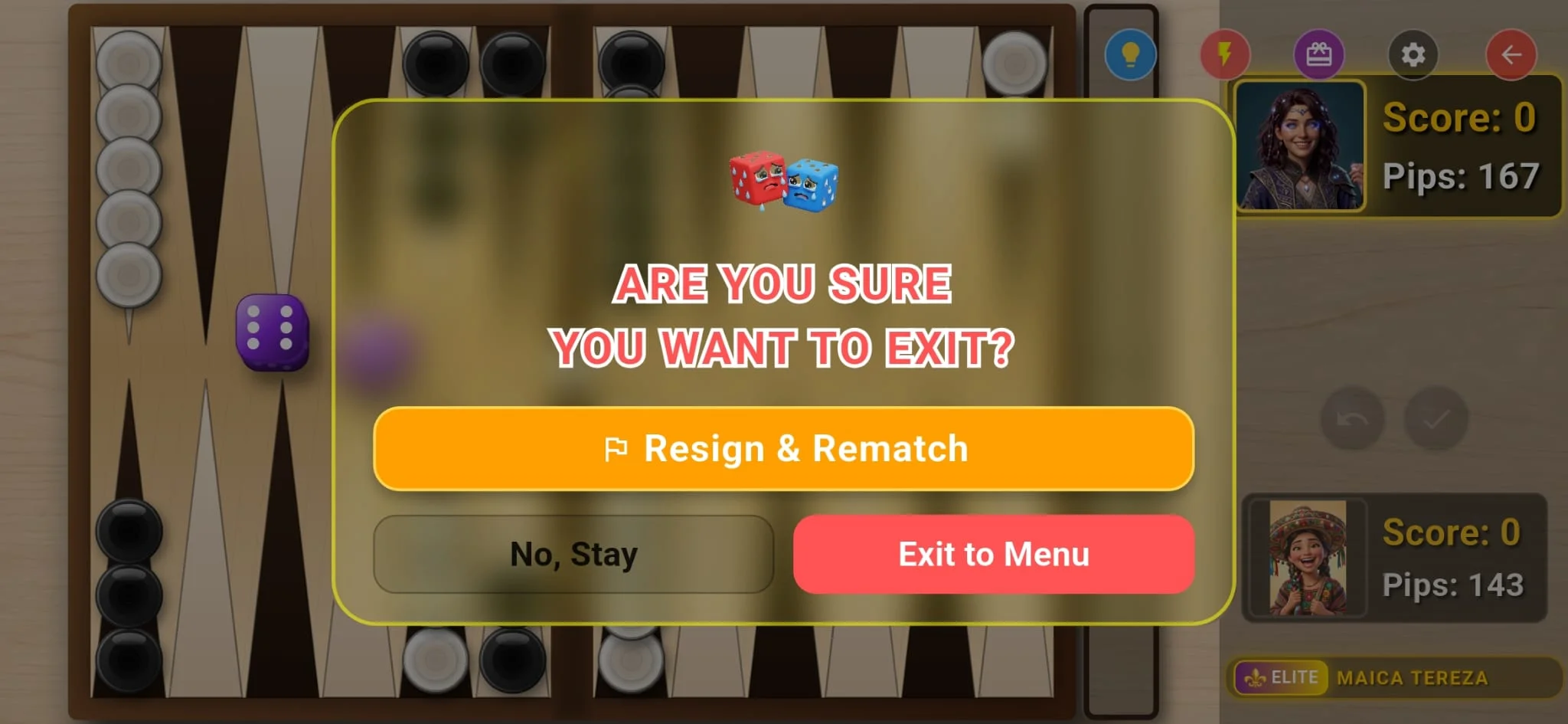
- The red exit button in the top-right corner of the board opens an exit confirmation modal to prevent accidental quits.
- Selecting "Resign & Rematch" concedes the match gracefully: the opponent receives victory points and ELO, and you transition immediately to the rematch screen.
- "No, Stay" acts as a popup close button, keeping your game active with zero disruption.
- Exiting to the menu within the first 6 dice rolls incurs ZERO penalty (grace period for accidental queues or sudden drops).
- Exiting after more than 6 dice rolls counts as an official forfeit: the leaving player loses ELO and points, while the opponent is awarded the win.
The In-Game Red Exit Button & Confirmation Dialog
During any active backgammon match (whether online ranked, local Wi-Fi, or against AI), a prominent red exit button is located in the top-right corner of the gameplay interface.
Tapping this button triggers an immediate confirmation modal featuring our mascot dice and a clear status warning. This dialog is designed intentionally to prevent accidental touches from terminating your game while rolling or moving checkers.
The confirmation dialog provides three distinct choices: "Resign & Rematch", "No, Stay", and "Exit to Menu". Each serves a specific purpose in competitive and casual play.
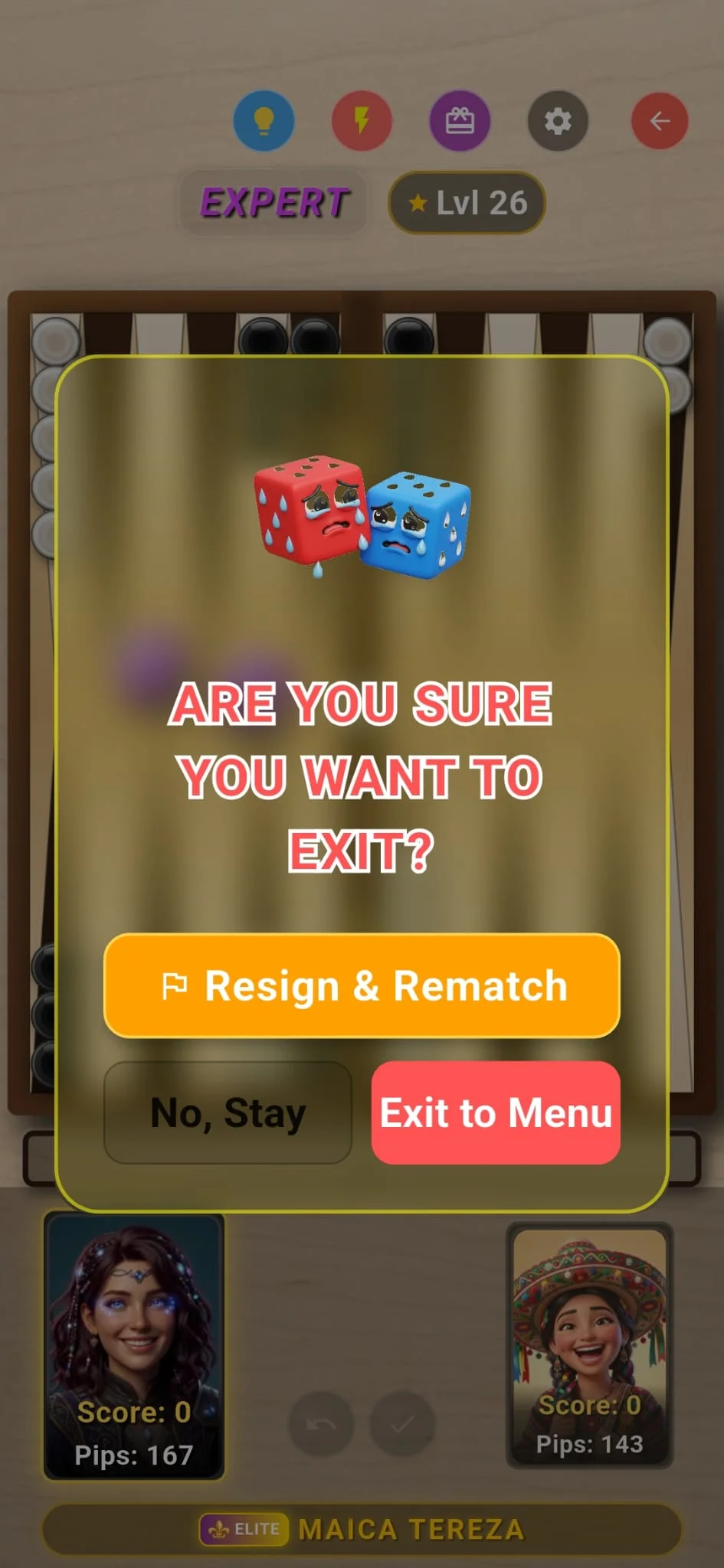
Option 1: "Resign & Rematch" — Strategic Concession & Instant Replay
In competitive backgammon, knowing when you are statistically defeated is a respected mark of sportsmanship. If your opponent has already borne off multiple checkers and you are trapped behind a prime with no mathematical path to victory, resigning saves valuable time for both competitors.
Selecting "Resign & Rematch" acknowledges defeat: your opponent is awarded the official victory, gaining match points and positive ELO rating, while your rating and points decrease accordingly.
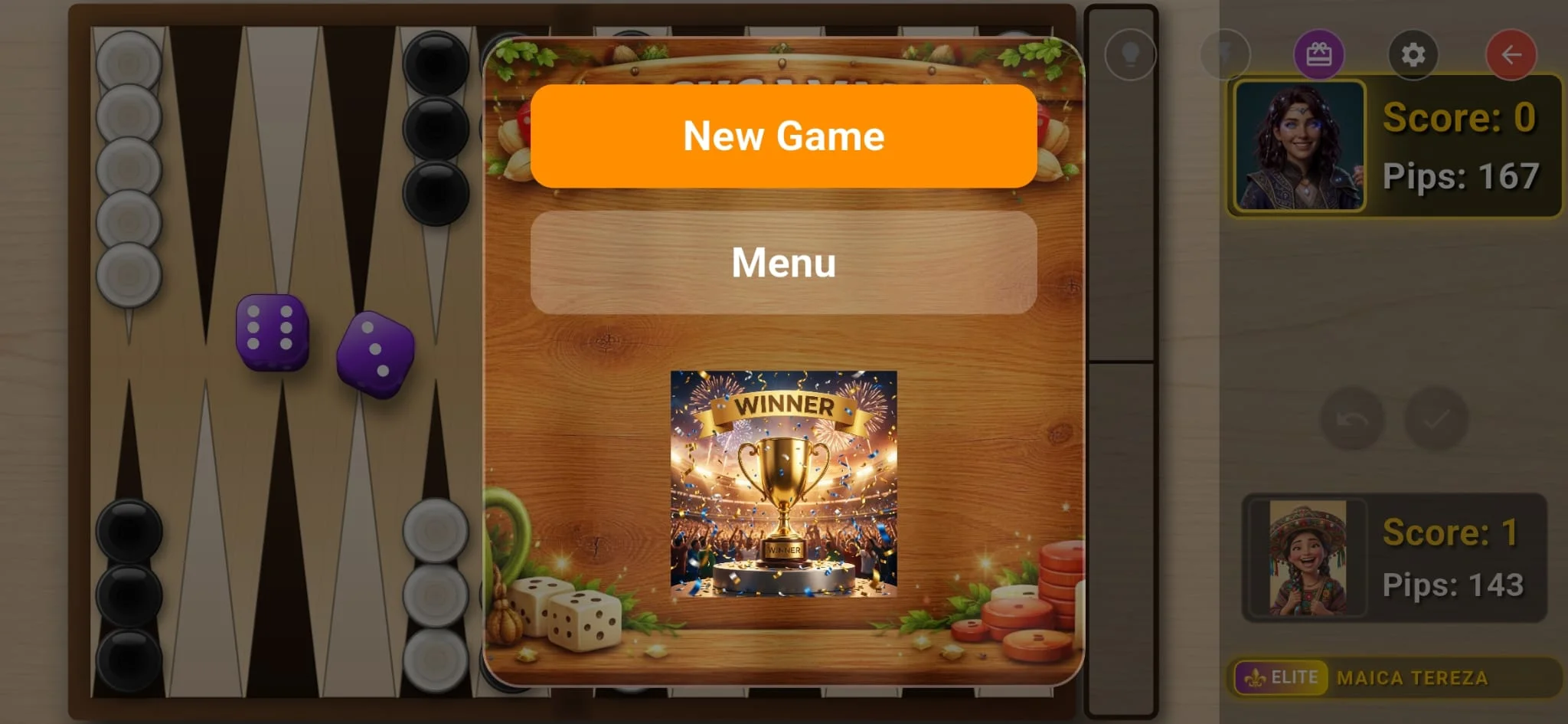
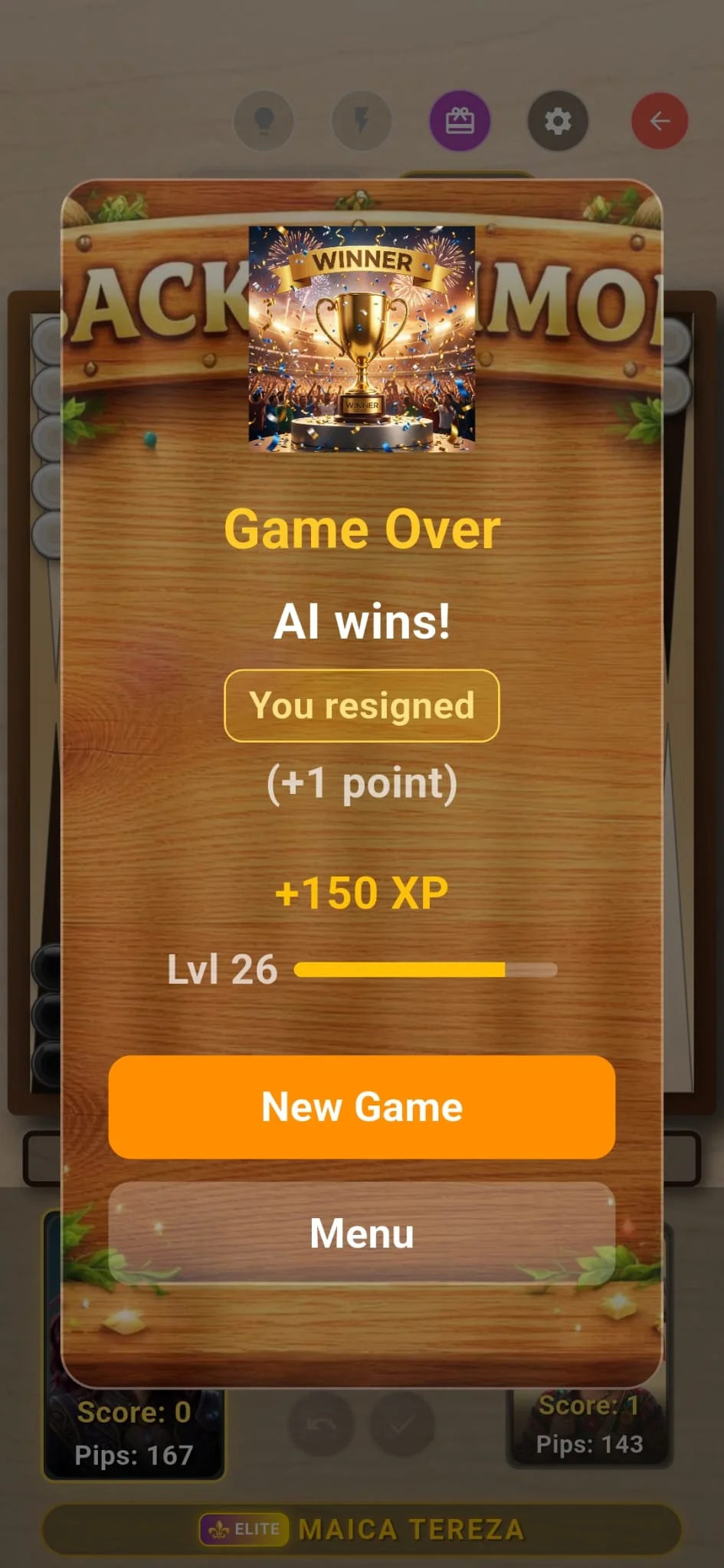
Rather than kicking you out to the main menu, "Resign & Rematch" transitions immediately into the official Winner & Rematch screen (shown below). From here, you can inspect the updated ELO standings and immediately challenge your opponent to a rematch to avenge your loss!
Option 2: "No, Stay" — Dismissing the Popup & Resuming Play
If you accidentally grazed the red button while attempting to roll dice or survey the board, "No, Stay" is your safety net.
Tapping "No, Stay" functions as a clean modal dismiss ("Close"). It immediately closes the confirmation popup without modifying your board state, timer, or checker positions.
No penalties or delays occur, allowing you to focus back on the match and fight until the last roll.
Option 3: "Exit to Menu" & The 6-Roll Fair-Play Rule
Choosing "Exit to Menu" completely leaves the current match and returns you to the main lobby. To guarantee fairness and prevent rage-quitting while simultaneously protecting players from accidental disconnects, Clean Backgammon enforces two strict conditions:
• Condition 1 — Early Match Grace Period (≤ 6 Total Dice Rolls): If fewer than or equal to 6 total dice rolls have been played in the match, you can exit freely without any penalty! Neither player gains or loses ELO rating or match points (0 ELO change). This ensures that accidental matchmaking queues or immediate hardware glitches do not unfairly harm either competitor.
• Condition 2 — Active Match Forfeit (> 6 Total Dice Rolls): Once more than 6 total dice rolls have been completed, the match is deemed active and competitively binding. Leaving via "Exit to Menu" is recorded as an intentional forfeit. You will be penalized with an ELO rating drop and point loss, while your opponent is rewarded with the official win and positive ELO progression.
Sportsmanship & Fair Play in Clean Backgammon
Clean Backgammon's exit mechanics strike the perfect balance between flexibility and competitive integrity. Honest technical interruptions early in a match are protected, while mid-match abandonments properly compensate opponents for their time and tactical effort.
When a match is statistically out of reach, embrace sportsmanship by using "Resign & Rematch" to reset the board and run it back!