How to Permanently Delete Your Clean Backgammon Account & Player Data

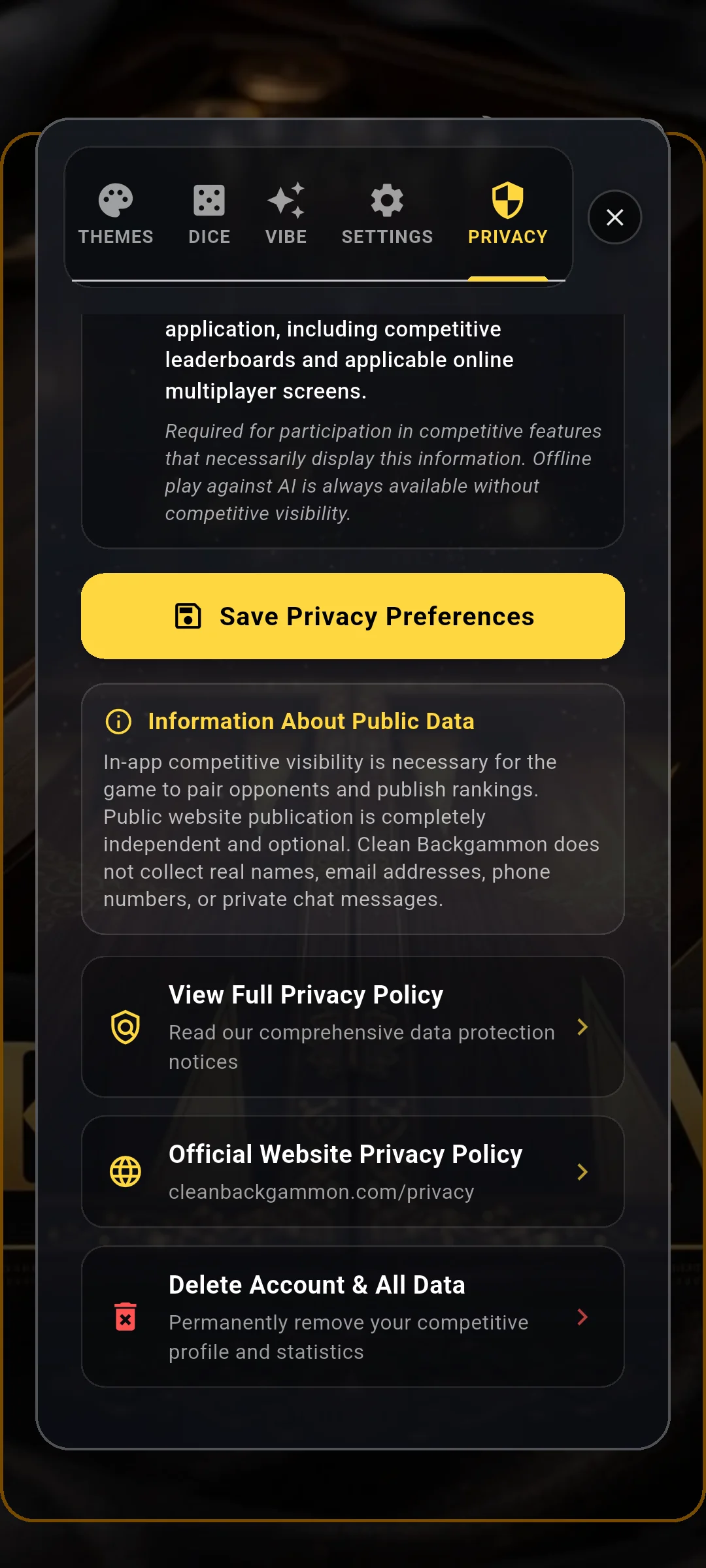
- Account deletion is directly accessible inside the app under CUSTOMIZE -> PRIVACY.
- Deleting your account permanently purges your nickname, ELO rating, and match history from our servers.
- Account erasure is immediate and irreversible; deleted stats cannot be restored.
- Local preferences reset back to the default initial state ("Player 1", Level 1, 1200 ELO).
Locating the Account Deletion Button
Under the General Data Protection Regulation (GDPR) and international privacy laws, every Clean Backgammon player possesses the absolute right to have their competitive records permanently erased.
To access this feature, tap "CUSTOMIZE" on the main lobby screen, navigate to the "PRIVACY" tab, and scroll to the bottom of the list. Here, you will find the "Delete Account & All Data" action tile alongside the link to our official Privacy Policy.
The Deletion Confirmation Warning
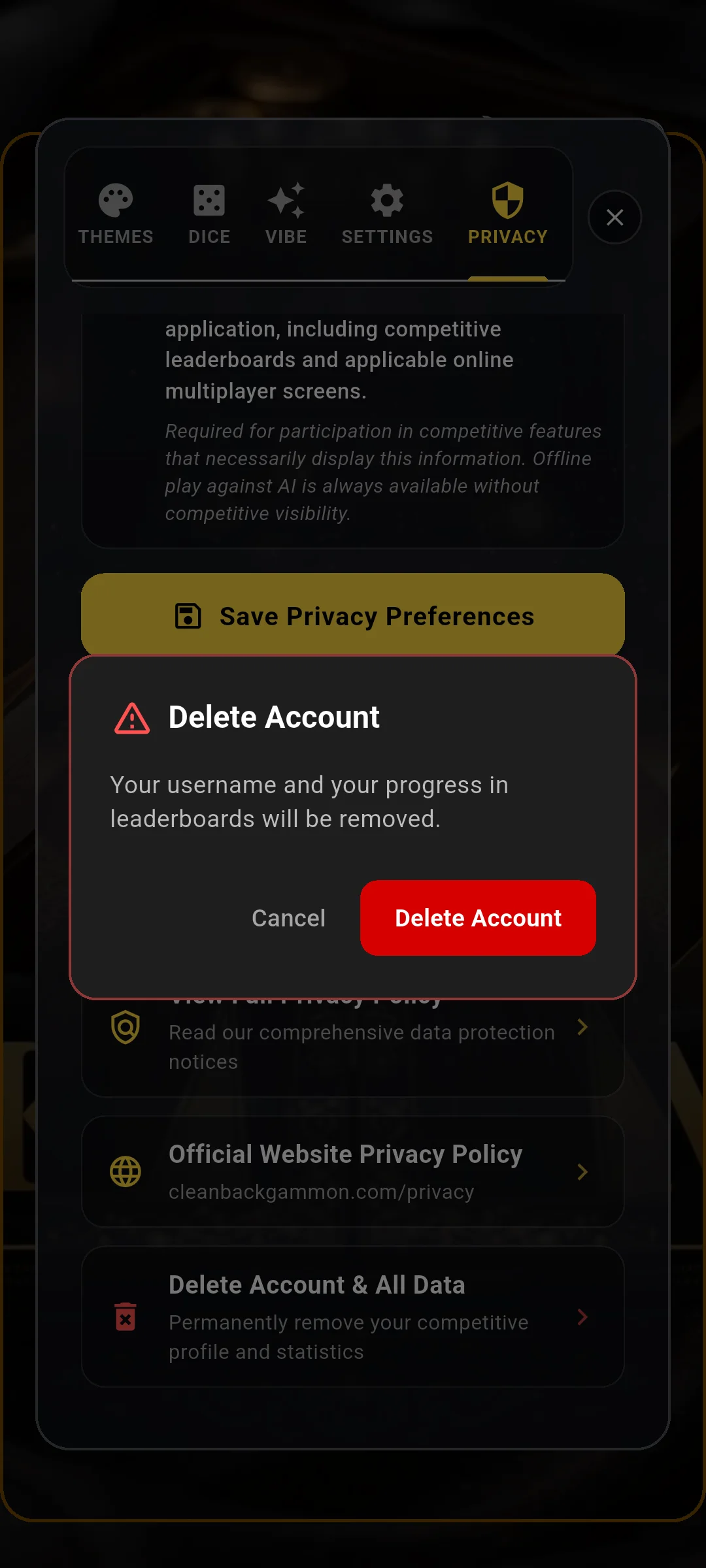
Tapping the delete button triggers a security confirmation dialog. This prompt ensures that accidental taps do not result in unintended data loss.
The prompt clearly warns: "Are you sure you want to delete your account? This will permanently remove your username, ELO rating, match history, and all leaderboard standings."
What Happens After You Confirm Deletion
Upon confirming, Clean Backgammon transmits a secure deletion request to `/api/delete-account` on the server:
1. Server Records Purged: Your unique device fingerprint, nickname, ELO rating, points won/lost, and leaderboard entries are immediately deleted from our production database.
2. Web Leaderboard Removal: Your entry is automatically removed from the public website leaderboards.
3. Local Reset: The app purges local cache and returns to the initial state: "Player 1", Level 1, and 1200 baseline ELO.